Remote pilot · clear scope

Variant selling for pneumatics

Configure variants.
Deliver order codes.

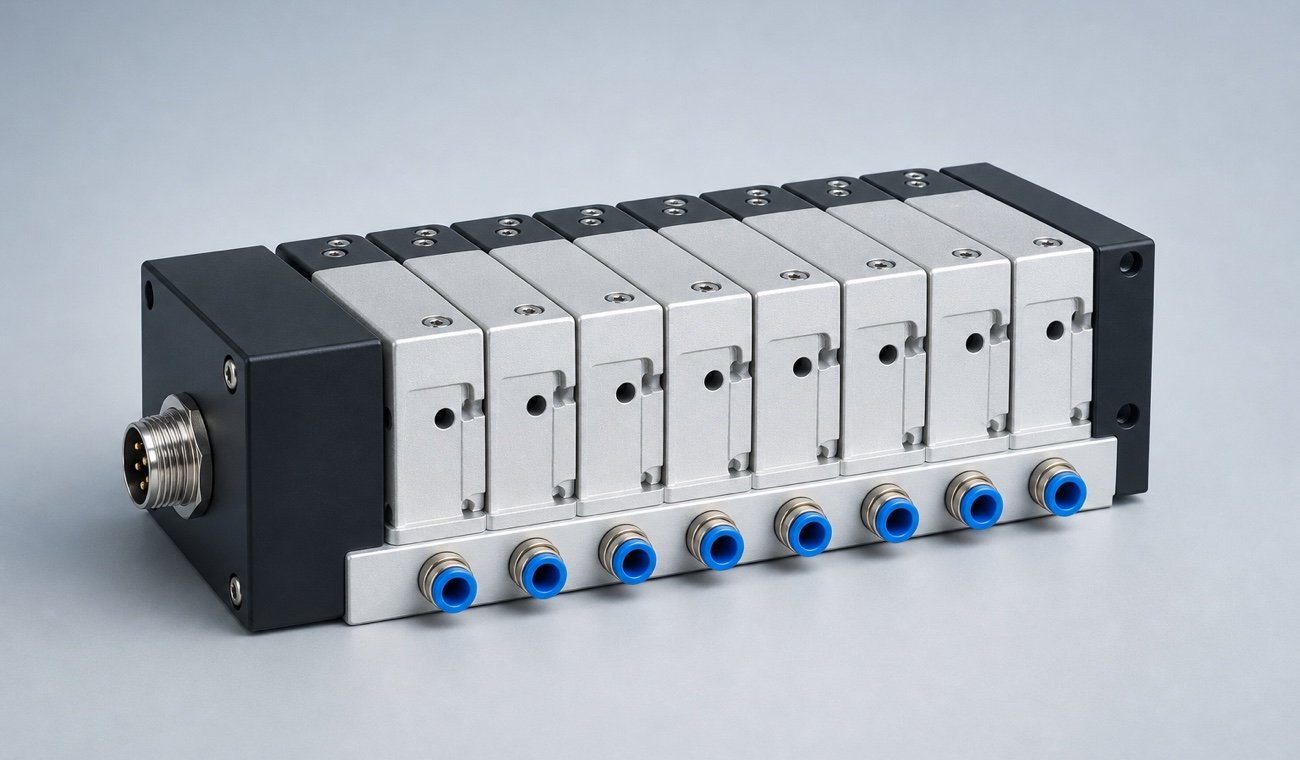
Valve stations, bore size, stroke, connection layout and sensors are selected on the 3D model—the customer sees the product, your inside sales team receives an unambiguous configuration instead of a guessed catalogue number.

Variant-exactsize, stroke, connection
Parts list, not guessworkevery position unambiguous
White labelin your brand
your-brand.com/pneumatics-configurator LIVE 3D
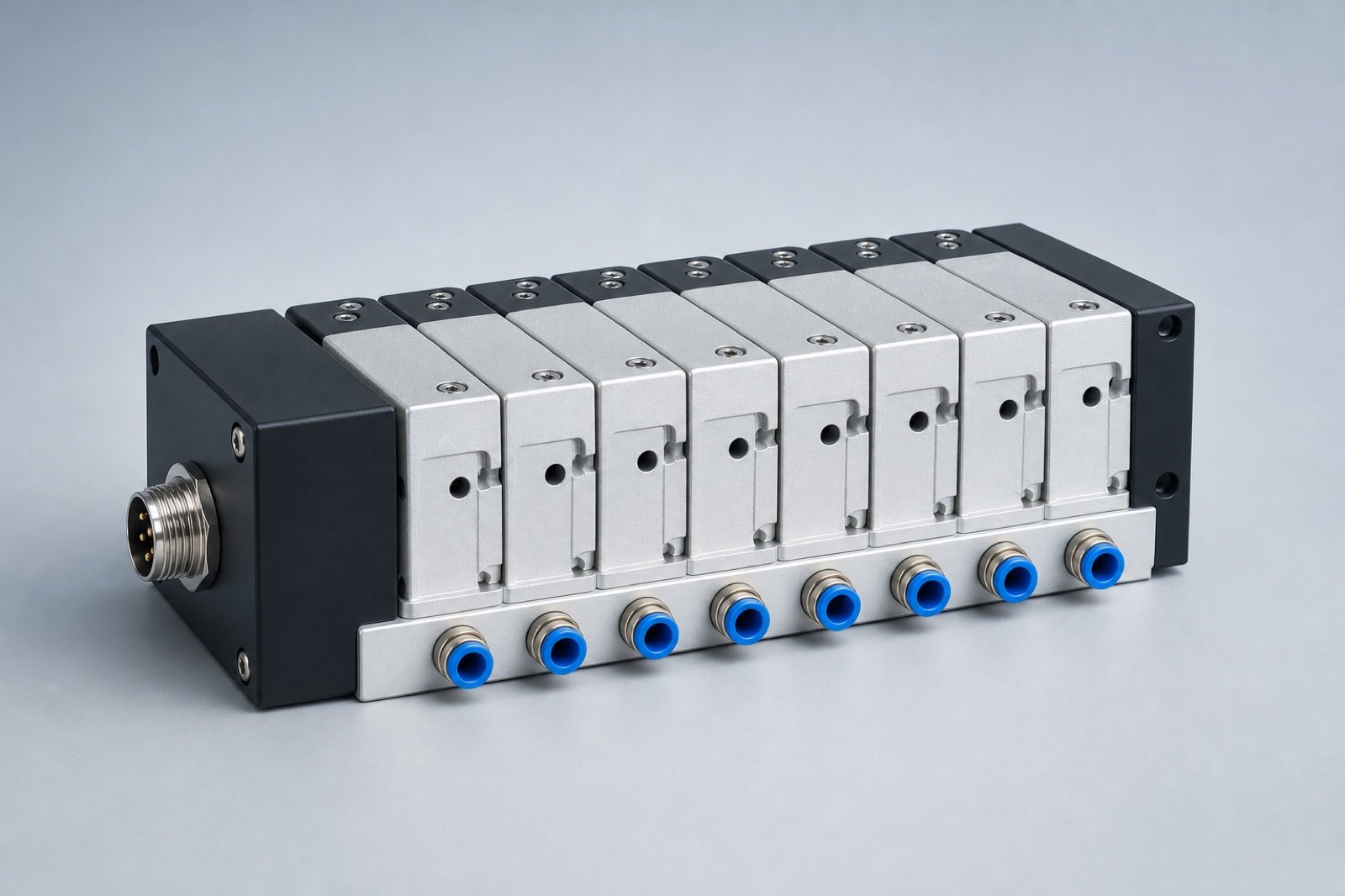
Browser-based pneumatics configurator with an interactive 3D valve manifold model
Configuration
Valve stations8
Bore50 mm
ConnectionM12, 8-pin
Variant completeReady for enquiry
Built for Valve manifoldsISO cylindersHandling modulesAir preparation

From catalogue order code to a clear order

Show the variants.
Prevent wrong orders.

Pneumatics sells through order codes—and that is exactly where enquiries break down. The configurator guides designers and buyers through the options your range actually supports.

  1. 01

    Build the product on the model

    Design, size, station count, stroke, mounting and sensors are selected directly on the 3D model.

  2. 02

    Rules block impossible combinations

    Dependencies between valve function, port layout, electrics and mounting exclude variants you cannot ship.

  3. 03

    Hand the configuration to inside sales

    The enquiry contains a view, the selected options and every position as a structured list.

SALES-READY RESULT

An enquiry inside sales can process directly.

The customer sees their module; your team receives a complete, internally consistent variant instead of a clarification loop.

  • View of the configured module
  • All selected options in plain text
  • Position list as a basis for quotation and order
Map this workflow

Recent confBuild projects

From a single cylinder
to a complete station.

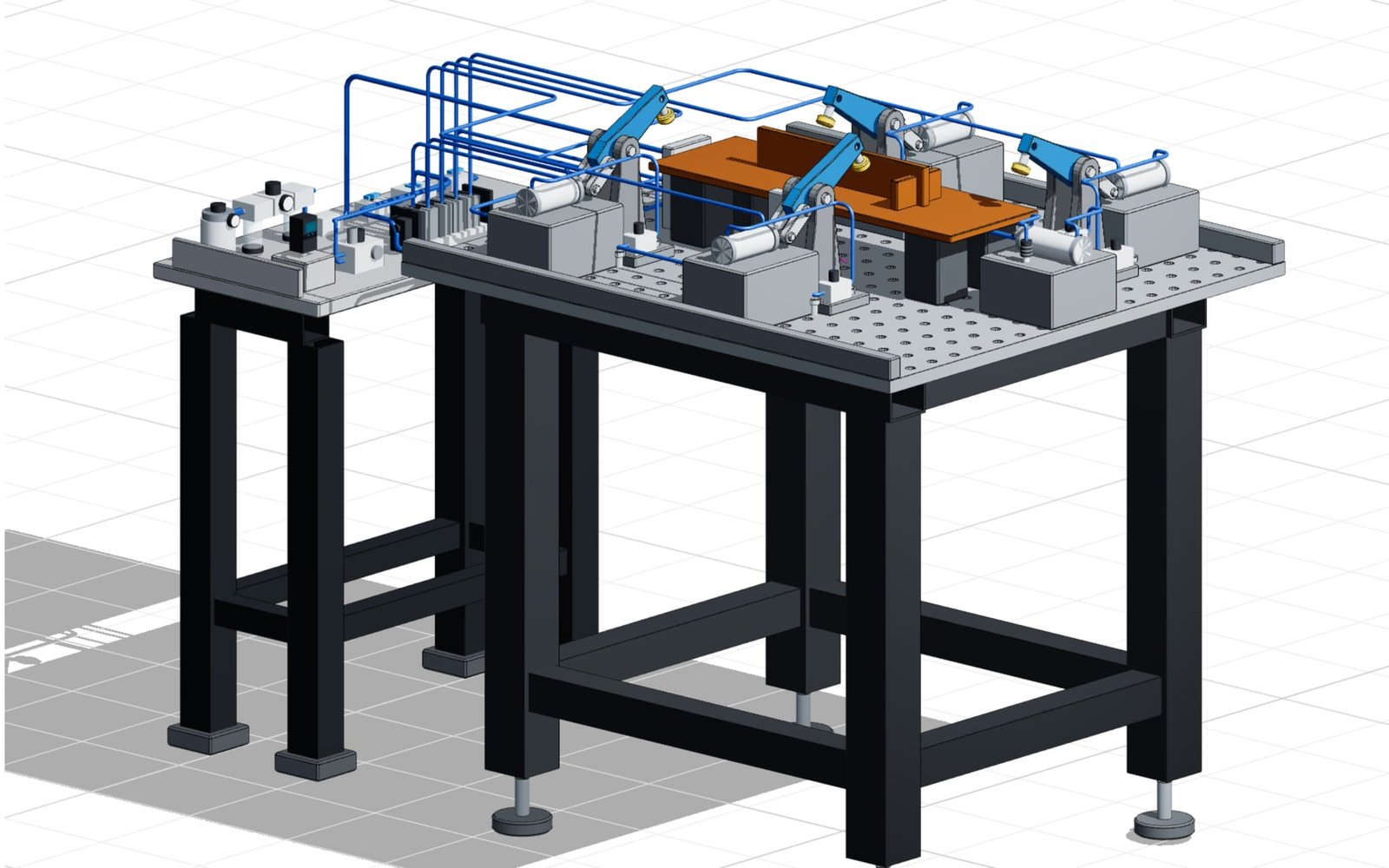
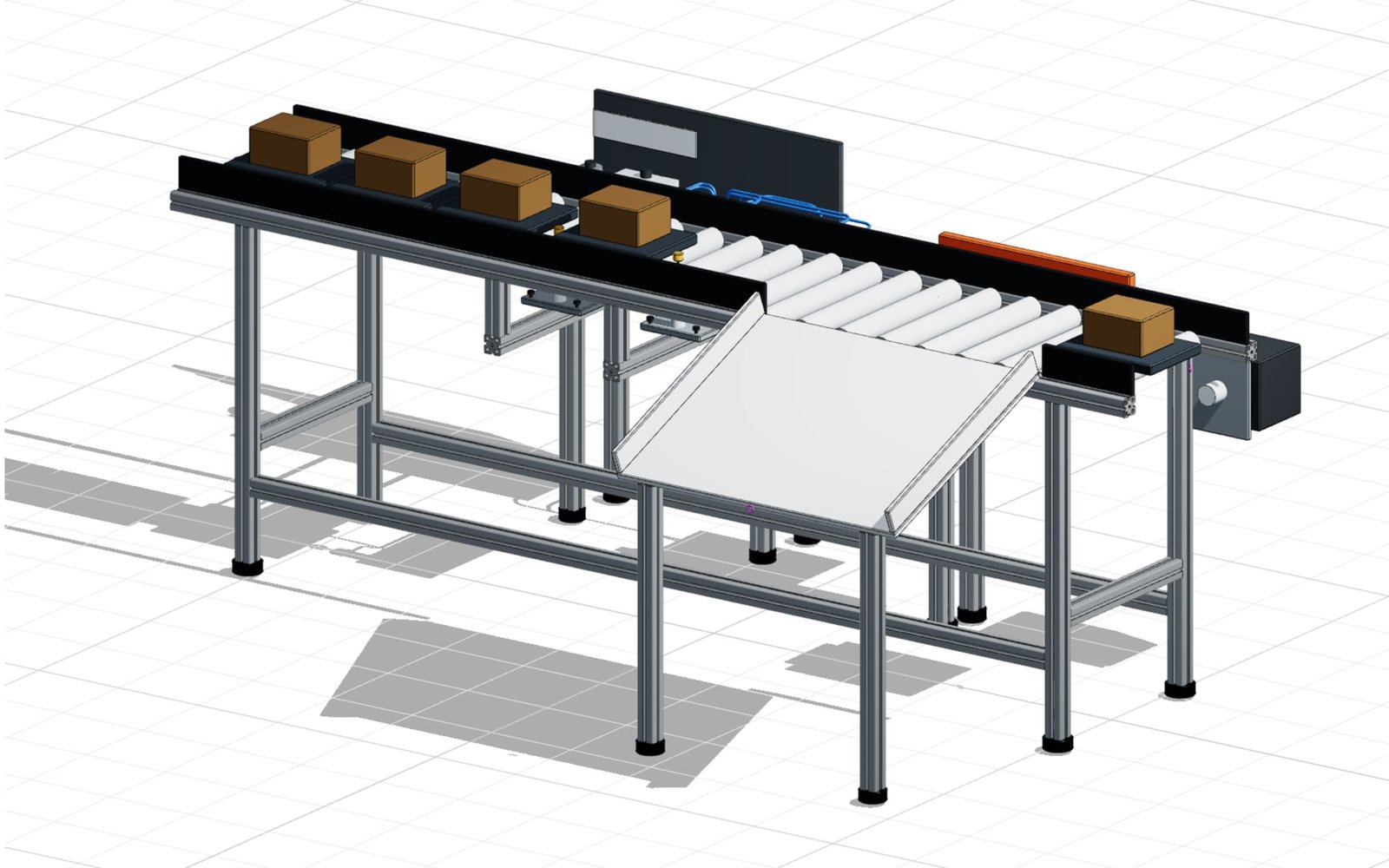
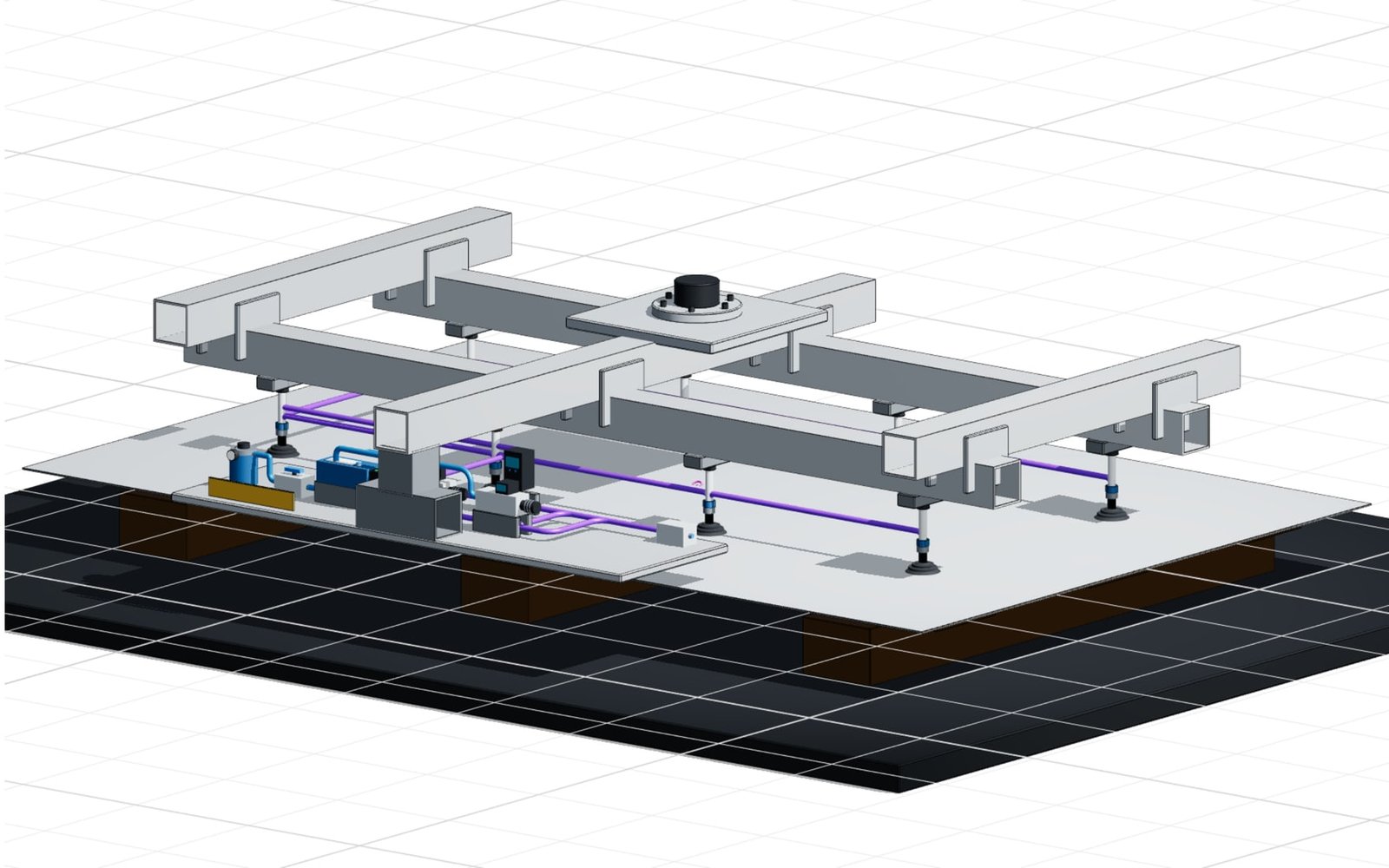
Three confBuild reference configurators show the range: ISO 15552 cylinders, a valve manifold with 2 to 12 stations, and a complete handling station with pricing and parts list.

This could be your product
Model structureMulti-level product assembly
VariantsDesign, stroke, ports, sensors
Output3D, parameters, enquiry
Your productas the next pilot →

Product system instead of catalogue table

One module.
Every component connected.

Base plate, valve slices, electrical interface, tubing and mounting all respond together as soon as station count, size or port layout changes.

Map my product system
confBuildPRODUCT
LOGIC
01

Base body

Size, stroke and design determine geometry, mounting pattern and installation space.

02

Function & ports

Valve function, working ports and the electrical variant stay consistent as one dependent system.

03

Sensors & mounting

Cylinder switches, flow control valves and mounting styles are offered only where they fit.

04

Structured output

The configuration delivers options, components and a structured enquiry.

SYSTEM VIEWProduct logic at a glance
01

Base body

Size, stroke and design determine geometry, mounting pattern and installation space.

02

Function & ports

Valve function, working ports and the electrical variant stay consistent as one dependent system.

03

Sensors & mounting

Cylinder switches, flow control valves and mounting styles are offered only where they fit.

04

Structured output

The configuration delivers options, components and a structured enquiry.

Your rules, visually explainedA configuration your customer understands—and your sales team can use.
Discuss a pilot
CONFIGURATIONSize · Stations · Stroke · Connection
READY FOR SALESAn enquiry inside sales can process directly.
  • ✓ View of the configured module
  • ✓ All selected options in plain text
  • ✓ Position list as a basis for quotation and order

From product options to an order

The process graphic shows how a technical requirement becomes an unambiguous, verifiable configuration.

Apply this flow to my product

Powered by the confBuild CAD kernel

Not a render mock-up.
Real parametric geometry.

The confBuild CAD kernel rebuilds the module from product parameters and option rules. Change the station count and base plate, tubing, electrical interface and mounting grow with it as one coherent system—not as a swapped catalogue image.

Experience the CAD kernel
INPUTSize · Stations · Stroke · Connection
confBuildCAD
KERNEL
PARAMETRIC ENGINE
OUTPUT3D modelAssembliesBOM & data
01

Deterministic

The same parameters reliably produce the same geometry—reproducible instead of merely similar.

02

Assembly-aware

Parts and accessories remain connected through clear dependencies and product rules.

03

Useful downstream

Structured parameters and component data can feed enquiries, BOMs and subsequent workflows.

04

Browser-native

Interactive in the web browser—without local CAD installation and directly in your sales experience.

More than a beautiful 3D view

A tool for
sales and customers.

The configurator turns an order code into a product you can see—and turns catalogue knowledge into a selling advantage over PDF tables.

Check the potential for my range
01

Make options tangible

Options become visible on the 3D model instead of compared across table columns.

02

Reduce clarification loops

Rules and dependencies prevent impossible combinations at selection time.

03

Relieve inside sales

Enquiries arrive complete—with options, positions and a view.

04

Strengthen technical credibility

A configurator demonstrates technical competence where customers search today.

Focused remote pilot

One product family.
Clear scope.

  1. 01

    Select a product range

    We capture options, dependencies and order-code logic for one high-demand range.

  2. 02

    Configure the pilot

    We build the 3D model, option logic and enquiry flow as a focused prototype.

  3. 03

    Test with customers

    The pilot runs in your brand and is refined with inside sales and application engineering.

Ready for a digital catalogue?

Make the order code visible.

In 20 minutes we identify the best pilot range and map out a sensible first step.

Discuss pilot scope Remote · Directly with the developer